
How to Get a CV Written by AI in 2026 (Step by Step)
Writing a CV from scratch is slow, and rewriting it for every job is even slower. AI tools can now do the first draft in seconds. But the result is only as good as what you give the tool, and you still need to check it before you send it.
This guide shows how to get a strong CV from AI, step by step.
Can AI really write a good CV?
Yes, with limits. AI is good at turning plain descriptions of your work into clear, professional bullet points, matching your wording to a job post, and formatting the document neatly. It cannot know your real achievements, so it depends on the details you provide, and it can occasionally overstate things. Treat the output as a strong draft that you approve.
Step 1: Collect your raw material
Before you open any tool, gather:
- Your old CV, or a list of your jobs with dates
- Your education, certifications and key skills
- Achievements with numbers where possible (sales, time saved, students taught, projects delivered)
You do not need a perfect old CV. Rough notes work.
Step 2: Choose the job you are applying for
The best CVs are written for one role. Copy the full job description. This is what lets the AI pick the right keywords and emphasise the right experience.
Step 3: Put both into the AI tool
Paste your old CV and the job description into AICVGenerators. It reads both, matches your experience to what the employer wants, and rewrites your bullet points. It also generates a matching cover letter.
Step 4: Check every line
This is the most important step.
- Are all dates, job titles and companies correct?
- Is every number true?
- Did the AI add a skill or tool you don't actually have? Remove it.
- Does it sound like you?
Employers will ask about anything on your CV in the interview, so only keep what you can explain.
Step 5: Check the format
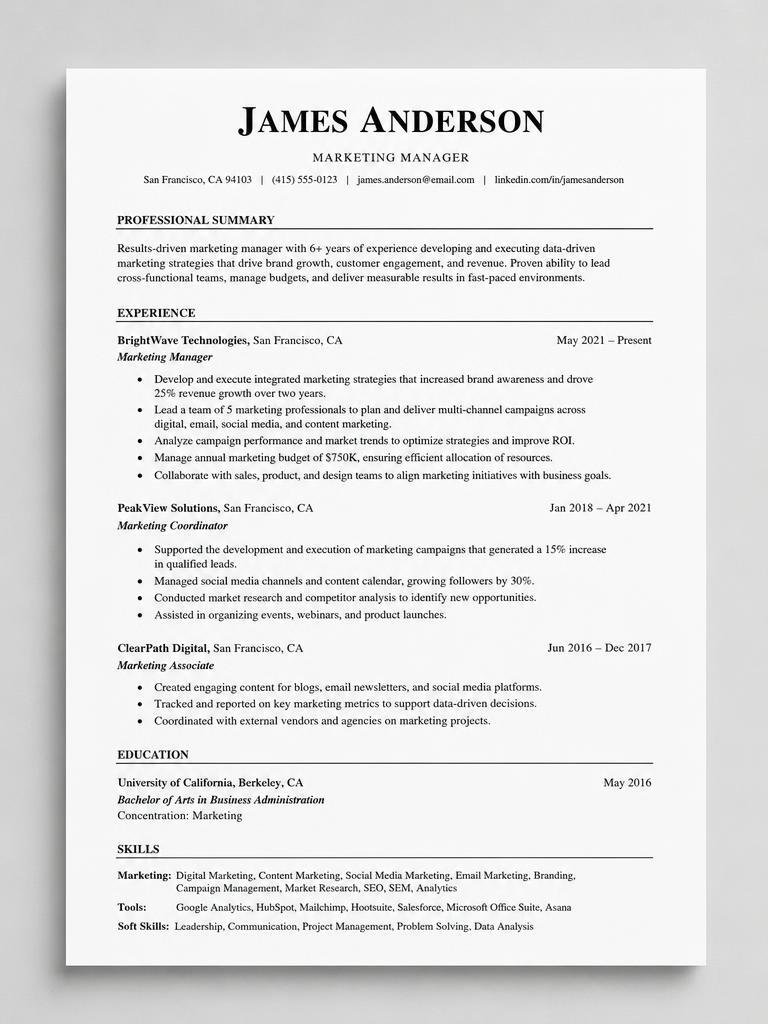
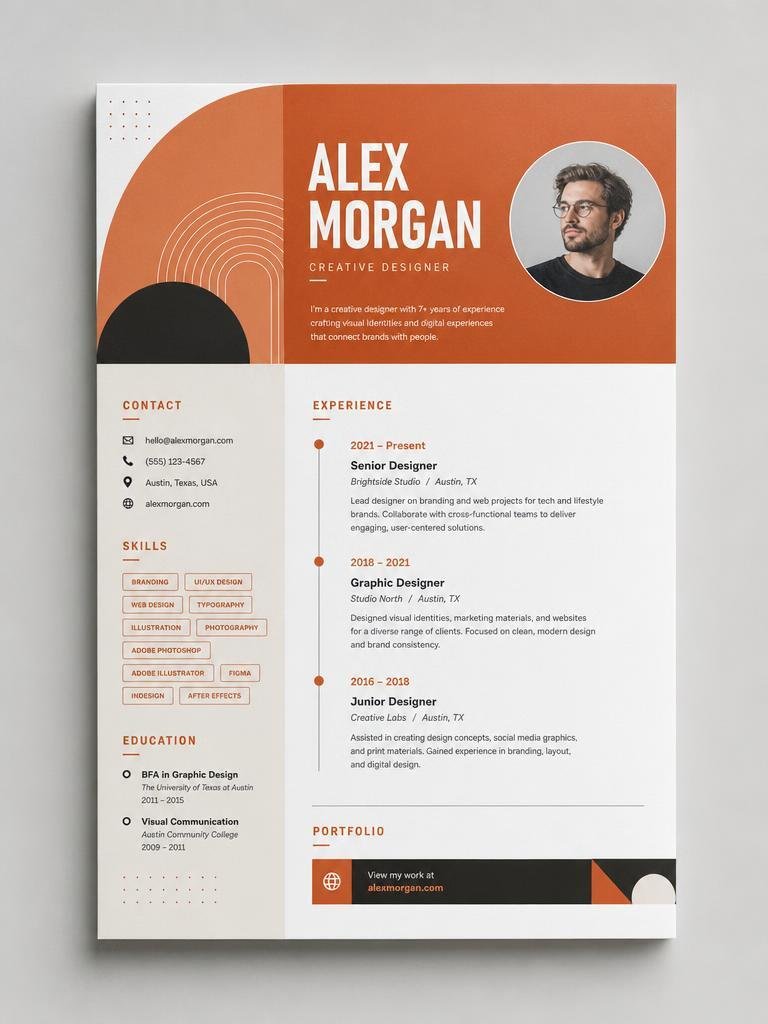
Use a simple layout: clear headings (Experience, Education, Skills), standard fonts, no tables or text boxes for key content. This helps applicant tracking systems read it. Keep it to one or two pages.
Step 6: Download and apply
Export as a PDF unless the employer asks for Word. Name the file clearly, such as Firstname-Lastname-CV.pdf.
Common mistakes to avoid
- Sending the same AI version to every job. Generate a fresh version for each application.
- Leaving in vague phrases like "hard-working team player". Replace them with specific results.
- Not proofreading. Read it aloud once.
- Uploading personal data you don't need. Skip your ID number, marital status or full address unless the country's norms require it.
Try it: Generate your tailored CV free →
Frequently asked questions
Is it okay to use AI for a CV?
Yes. Employers care that the content is true and relevant, not that you typed every word. Review and edit the draft so it is accurate and sounds like you.
How long does it take to get a CV written by AI?
Generating takes seconds. Reviewing and editing takes 10 to 15 minutes if you do it properly.
Should I write a cover letter too?
When the job allows it, yes. A tailored cover letter helps you stand out.
What do I need to give the AI to get a good CV?
Your old CV or a list of your jobs, education and skills, achievements with numbers where possible, and the full job description of the role you are applying for.
Should I send the same AI-written CV to every job?
No. Generate a fresh version for each application so the keywords and emphasis match each role.