ATS-Friendly CV: What It Really Means and How to Pass Screening
You may have heard that a robot rejects most CVs before a human sees them. The reality is more nuanced, and understanding it helps you write a better CV.
What is an ATS?
An applicant tracking system (ATS) is software that employers use to collect, store and sort job applications. Common examples include Workday, Greenhouse, Lever and Taleo.
What an ATS actually does
In most systems, the ATS reads your CV, turns it into text, and stores it. Recruiters then search and filter candidates by keywords, job titles, locations or answers to screening questions. Some employers also set "knockout" questions (for example, "Do you have the right to work in this country?"). So the risk is usually not that a robot dislikes your CV. It is that your CV does not contain the words a recruiter searches for, or that the file cannot be read properly.
Formatting rules for an ATS-friendly CV
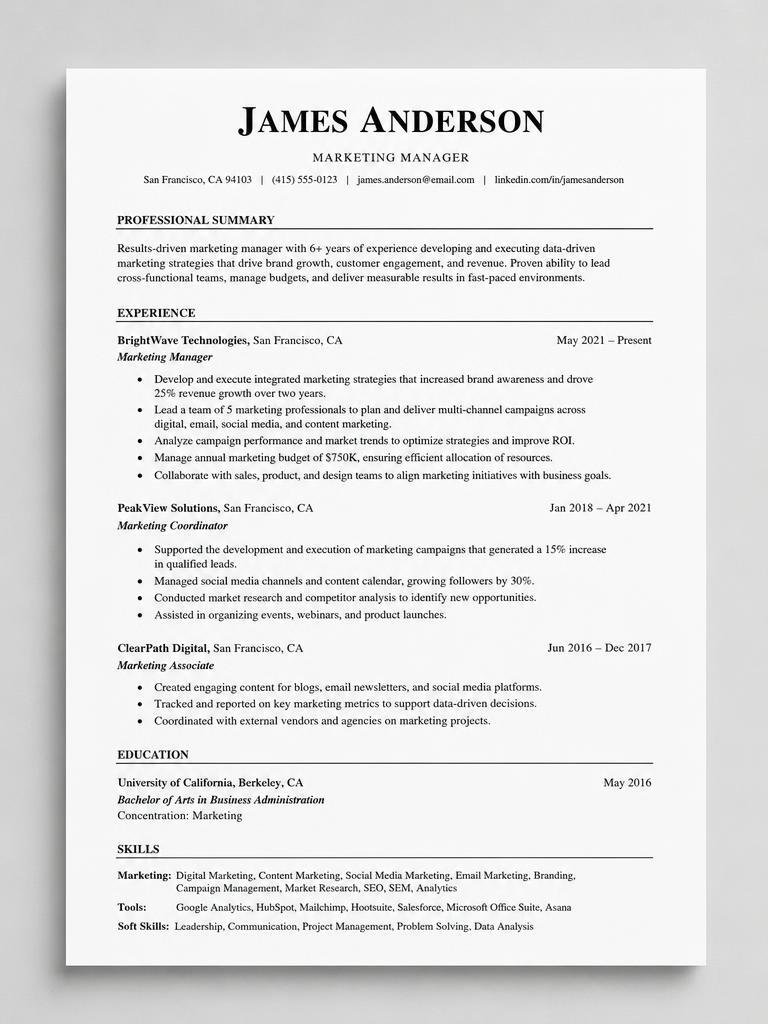
- Use standard section headings: Summary, Experience, Education, Skills.
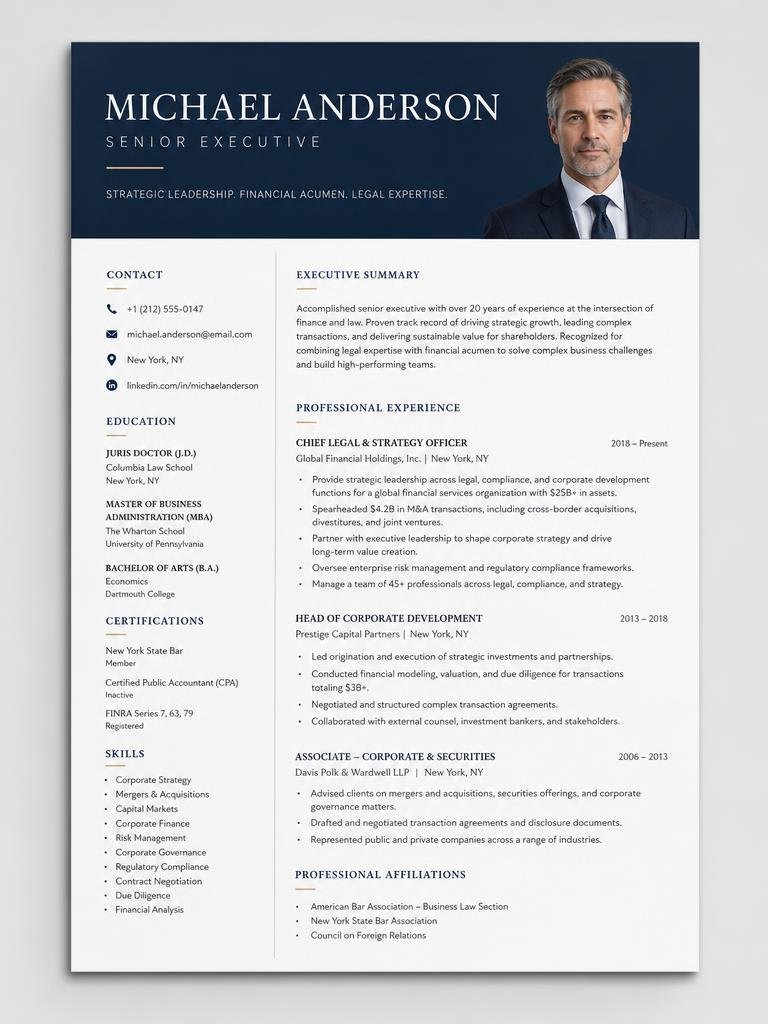
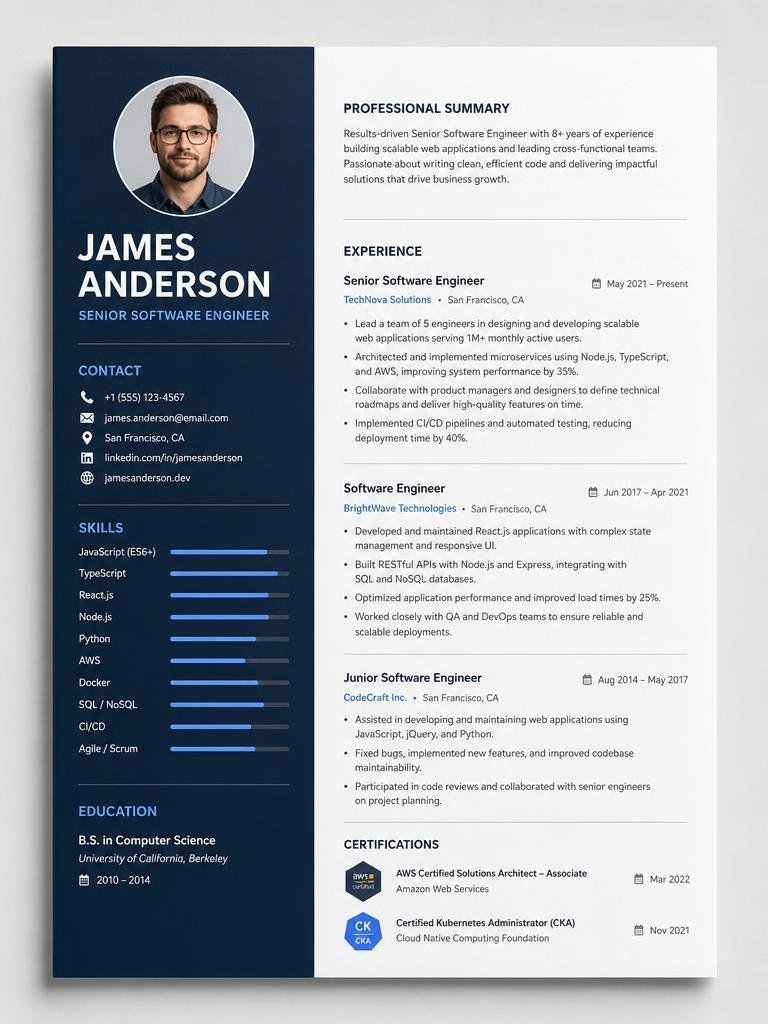
- Keep the layout simple. Avoid tables, columns, text boxes, icons and images that hold key information.
- Use a common font such as Arial, Calibri or Helvetica, at 10 to 12 pt.
- Put contact details in the main body, not in the header or footer, where some systems skip them.
- Use PDF or Word as the employer requests. Read the application instructions.
- Use standard date formats (e.g. Jan 2023 – Mar 2025).
Keyword rules
- Take keywords from the job description, not from a random list.
- Include both the full term and the acronym once, e.g. "search engine optimisation (SEO)".
- Place keywords naturally in your summary, skills and experience bullets.
- Never hide keywords in white text. Systems and recruiters can detect it, and it can get you rejected.
- Only include skills you actually have.
How to check your CV
- Copy the text out of your PDF and paste it into a plain text editor. If it looks jumbled, an ATS may struggle too.
- Compare your CV with the job post. Are the main skills there?
- Use a checker tool. AICVGenerators can compare your CV against a job description and tailor it for you.
A note on scores
Tools that give you an "ATS score" are showing an estimate. There is no single universal score, because each employer's system and settings are different. Use scores as a guide, and focus on a clear layout and honest, relevant content.
Try it: Tailor your CV to a job description →
Frequently asked questions
What is an ATS?
An applicant tracking system is software employers use to collect, store and sort job applications. Common examples include Workday, Greenhouse, Lever and Taleo.
Does an ATS automatically reject my CV?
In most systems the ATS reads your CV, stores it as text and lets recruiters search and filter by keywords, job titles and locations. Some employers also add knockout questions, such as whether you have the right to work in the country. The usual risk is missing keywords or an unreadable file, not a robot disliking you.
Should I upload a PDF or a Word file?
Use whichever the employer asks for, and read the application instructions. Either works if the file is text-based with a simple layout and no tables or text boxes holding key information.
Is there such a thing as a good ATS score?
ATS scores from online tools are estimates. There is no single universal score because each employer's system and settings differ, so use them as a guide and focus on clear layout and honest, relevant content.
Can I hide keywords in white text?
No. Systems and recruiters can detect it, and it can get you rejected. Place keywords naturally in your summary, skills and experience bullets instead.